Char's Journal · Behind the Build
Building a binder should feel like building a binder
by @char · September 12, 2026
Editing binders right on the page, room for a few extra cards in the back, and a clean view for screenshots.
I collect out of binders, so the binder builder is the part of Charpulls I probably fuss over the most. For a long time, changing one meant opening the Manage cards window, making your edits, and closing it again. It did the job. But that window kept growing every time I added something to it, and it never quite felt like handling a real binder. So I moved the whole thing onto the page.
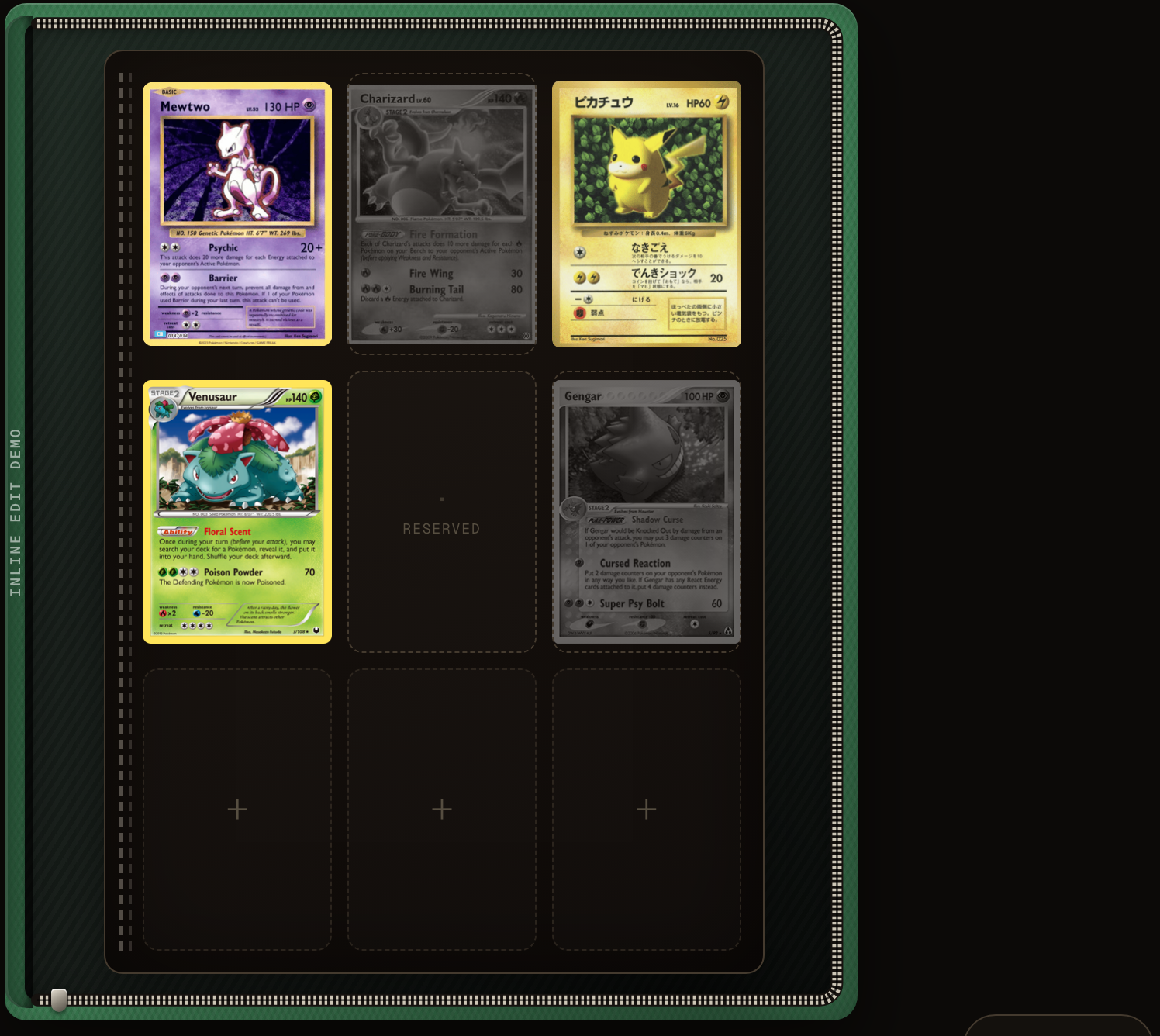
Now when you tap Edit cards, the page itself becomes the workspace. Grab any card and drag it where you want it. The pocket you're moving toward makes room, and the rest of the page shifts around it, the same way you'd slide a card into a fresh sleeve. If a slot has the wrong print, replace it right there. And if you've pulled a card out of your collection, you can remove it without the pocket collapsing, so it holds the spot for the one you're still chasing. No popup, no losing your place.
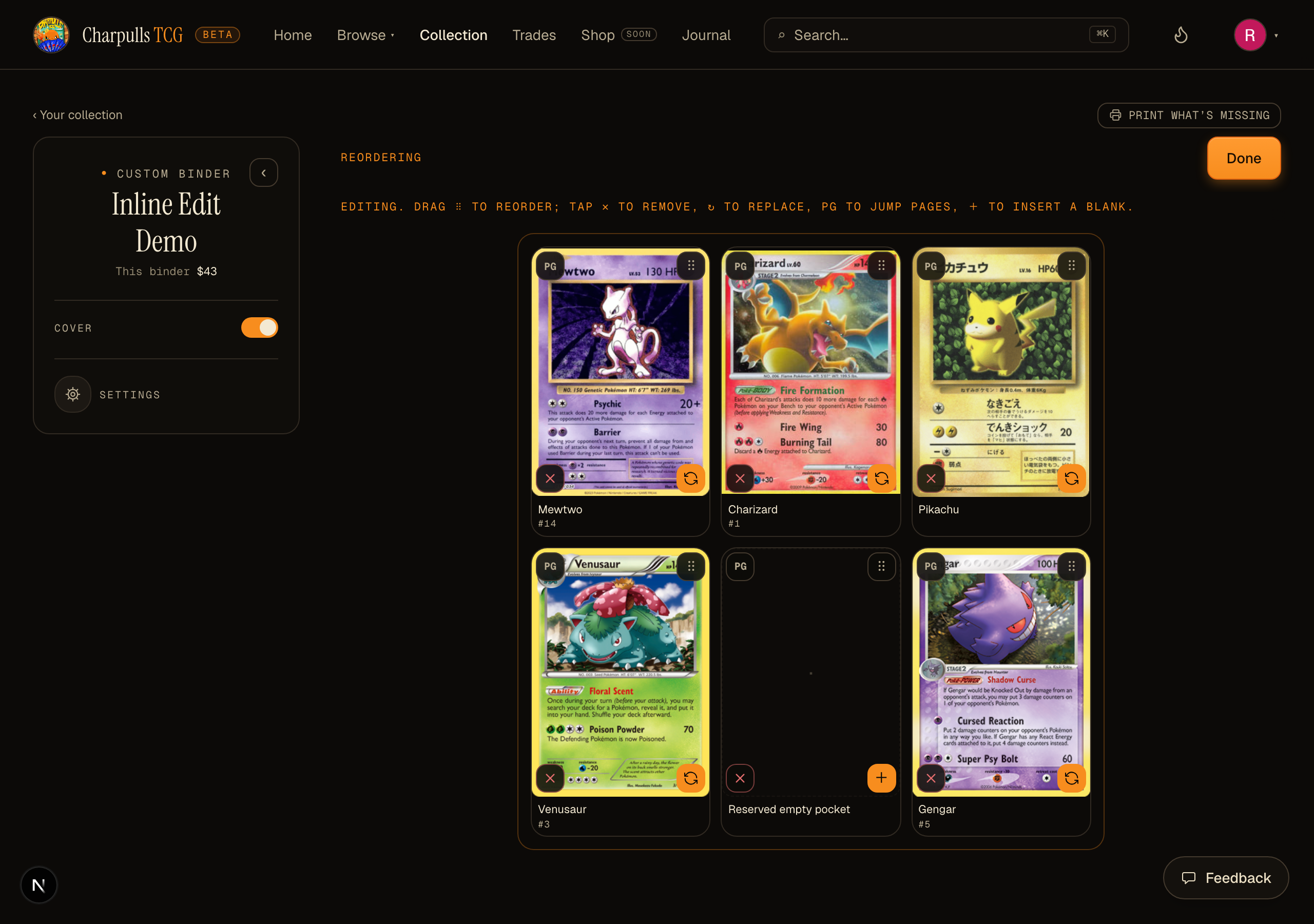
Change your mind? There's a single Undo that walks your edits back one at a time, newest first, whether you moved a card, swapped it, or pulled it. It all works on your phone too, which is where a lot of binder building actually happens.
Room for the cards that don't fit the checklist
If you've ever built a set binder or a generation Pokédex binder and sized it to a real, physical binder, you know the math rarely comes out clean. Your full set fills every page but the last few, and until now, you were locked out of the pockets left over. Not in your real binder, of course. In ours.
When a set or generation binder is mapped to a physical binder bigger than the set needs, those trailing pockets become Extras: open slots you can drop any card into. Chase cards, favorites, a few cameos, whatever you'd actually put back there in real life. They don't count against your set completion, so a finished set still reads as finished. They just give the back of the binder something to hold. (This is for set and generation binders. The full National Dex is open-ended, so there's no fixed end to build onto.)
Clean view
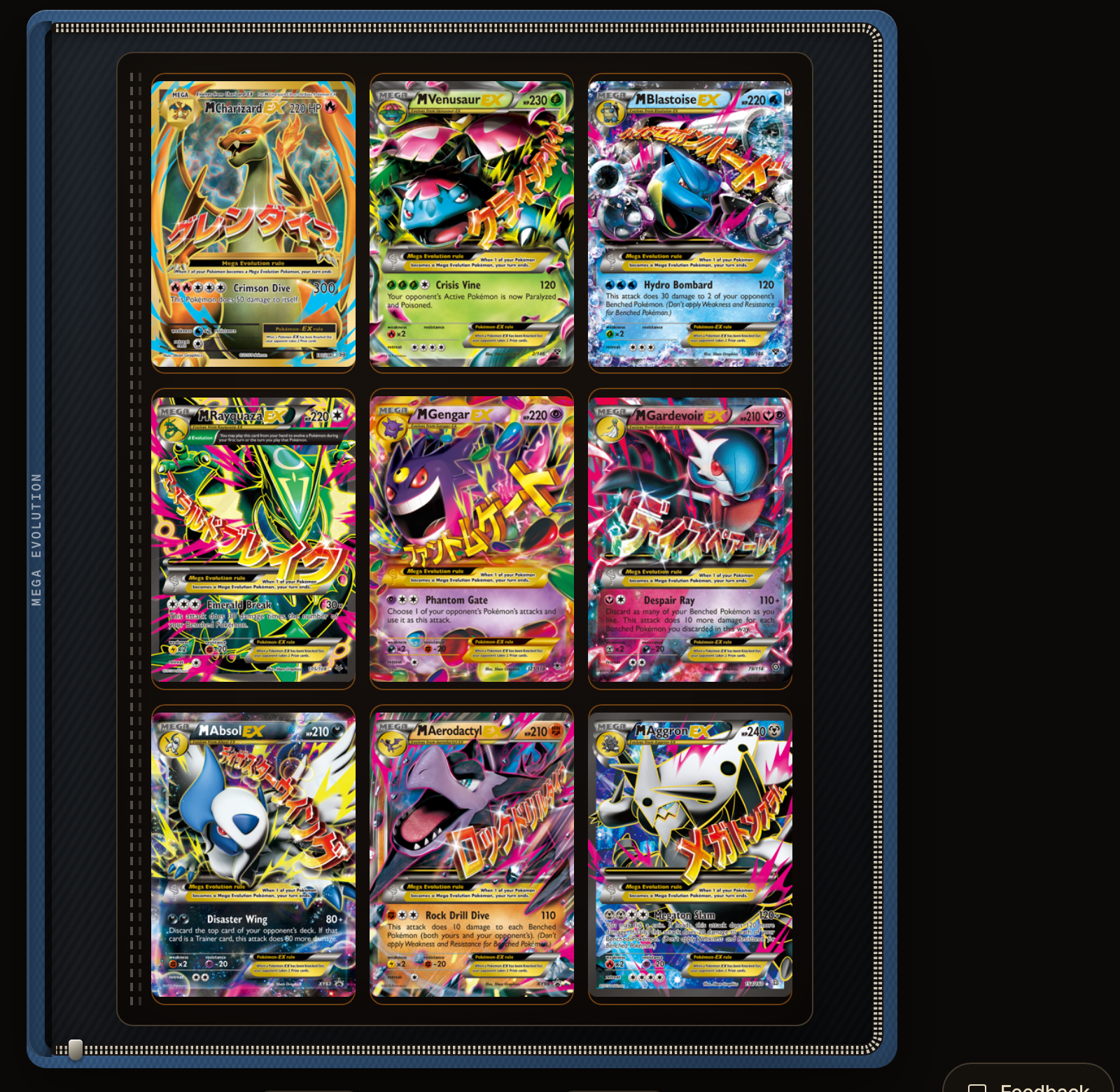
When you're done arranging and you just want to look at what you've built, flip on Clean view. Every button, counter, and badge drops away, leaving nothing but the card art sitting in its pockets. I added it for one reason: so you can grab a clean screenshot of a page you're proud of and show it off, without the app's controls all over your cards. It's only a view, so it resets when you leave, no setting to remember.
What's next?
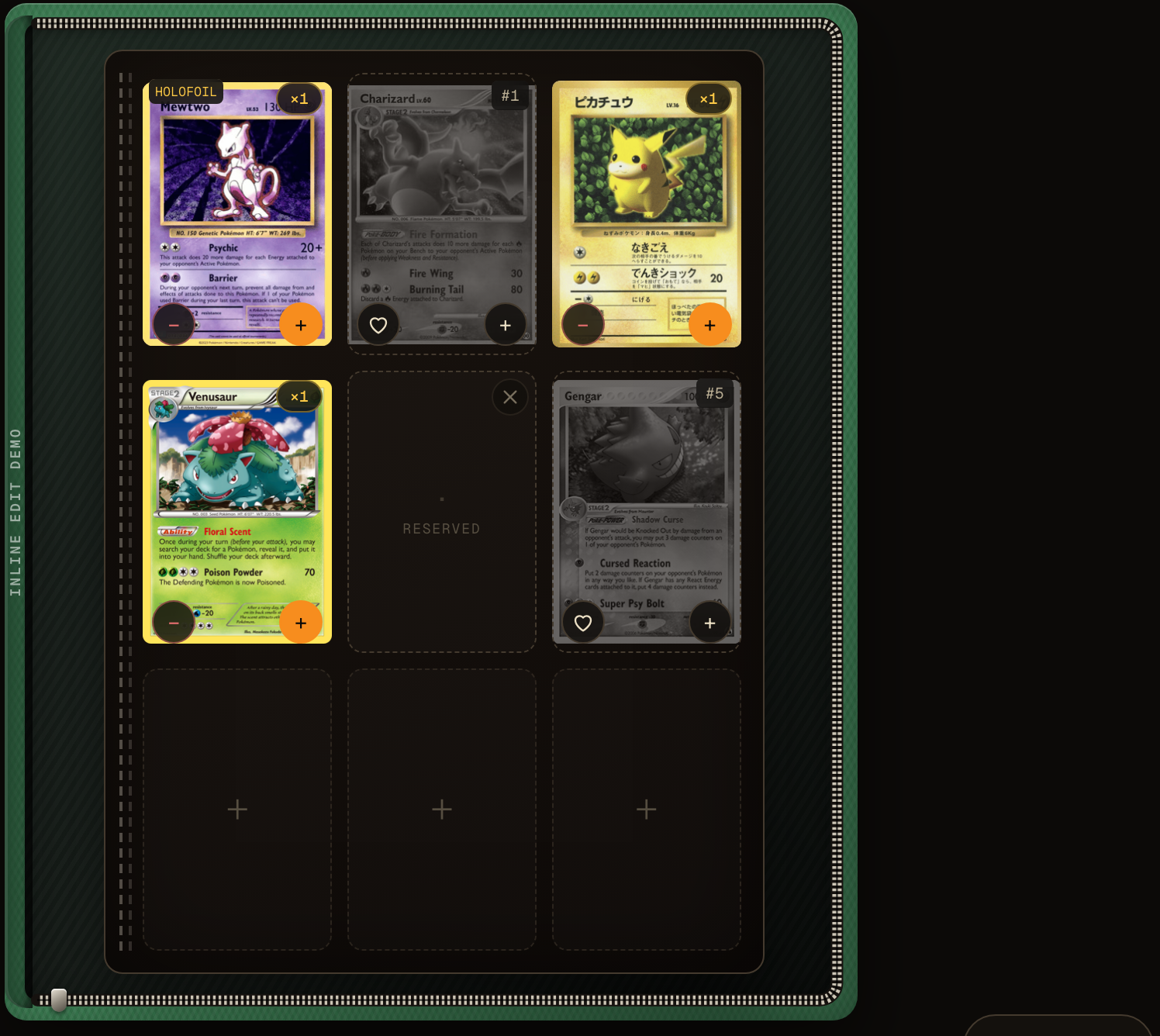
More color options for your binders. Binders are meant to be shown off, and I want to give you a wider spread to pick from, so your Charizard binder can really look like a Charizard binder.
If you build a page you love with this, or something about it bugs you, tap the Feedback button and let me know. I read every one.
Thank you!
Char